Sales Overview
Atolio Works with Every Part of the Sales Workflow
Ask one question and Atolio searches your CRM, calls, email and chat together, with answers that link to their sources. Your admin picks which tools are connected. These are just a few of the most common applications.
Select a logo to see what Atolio can search there.
Go from Searching to Knowing
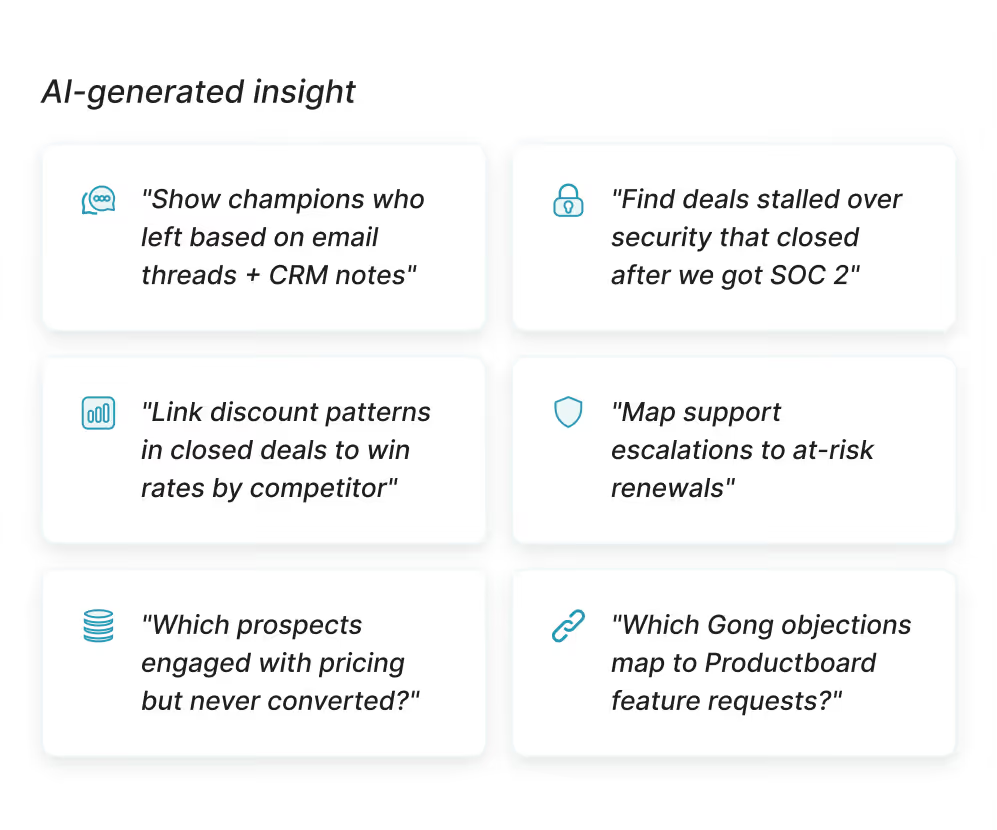
The answers your team needs already exist, scattered across your CRM, calls, email and chat. Atolio brings them together in one answer, so you spend less time digging and more time selling.
Built for Everyone on the Sales Team
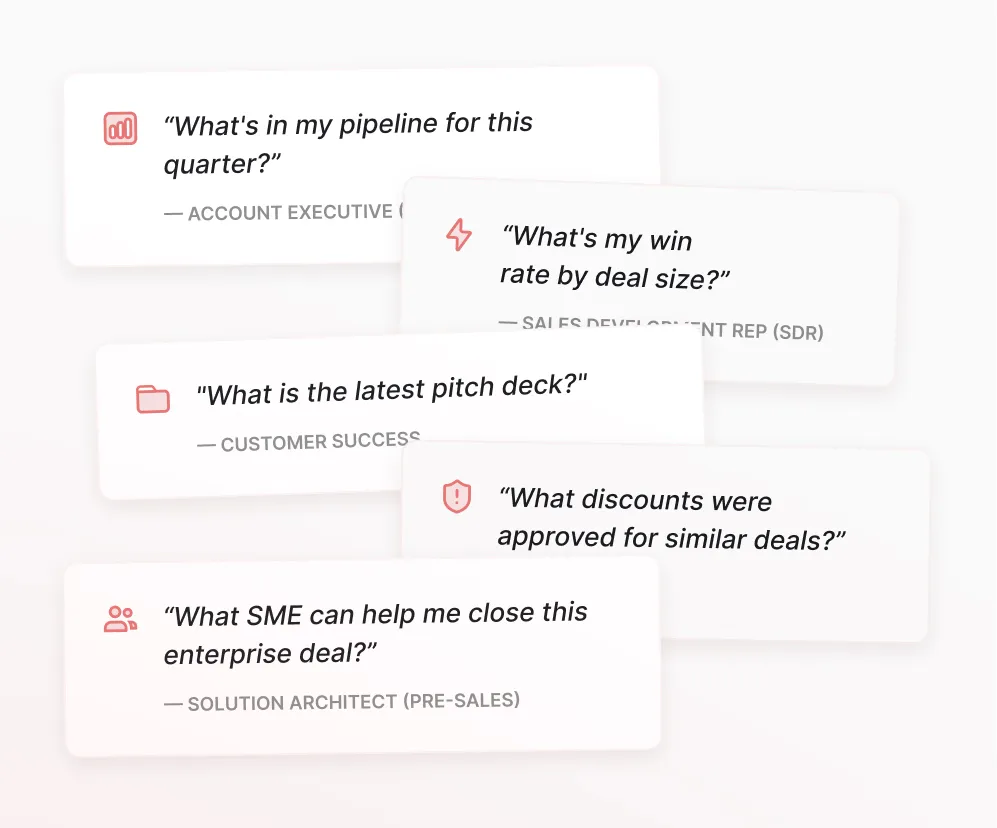
From the SDR booking the first meeting to the CSM planning the renewal, everyone gets answers from the same tools. Open a role to see the questions it asks most.
Sales Development Rep (SDR)
Find account research, messaging templates and qualification notes, so you book more good meetings.
See how Atolio can help
- “What pain points do we solve for [prospect's role] in [industry]?”
- “Show me successful cold call scripts for this buyer persona”
- “Find recent case studies or customer stories in [prospect's industry]”
- “What questions should I ask to qualify [use case or need]?”
- “Pull up talking points on how we differ from [competitor they're using]”
Account Executive (AE)
Find account history, past deals and competitive notes in one place, so you can personalize outreach and move deals forward.
See how Atolio can help
- “Show me past deals with [industry] companies over $500K and why we won or lost”
- “What objections came up in the [Company] deal, and how did we handle them?”
- “Find competitive battlecards and recent win stories against [Competitor]”
- “Pull up customer references in [industry] for this prospect's use case”
- “What pricing and discount strategies worked for similar deal sizes in my territory?”
Solution Architect (Pre-Sales)
Find technical docs, past solution designs and integration details, so you can scope deals and answer technical questions.
See how Atolio can help
- “Find similar architectures we've built for [use case or industry]”
- “Show me integration guides and API docs for [platform]”
- “What security and compliance questions came up in recent enterprise deals?”
- “Pull technical win and loss analysis from deals with similar requirements”
- “Find demo environments and POC playbooks for [product capability]”
Customer Success
Find account history, adoption notes and expansion playbooks, so you can keep customers and grow accounts.
See how Atolio can help
- “Show me this account's support history, feature requests and past escalations”
- “What expansion plays have worked for similar customers in [industry or segment]?”
- “Find QBR templates and health score criteria for enterprise accounts”
- “Pull best practices for driving adoption of [feature] with customers”
- “What renewal risk signals should I watch for in support patterns?”