Finding Brand Assets & Copy
Which Version Is the Right One?
The Q1 campaign goes live tomorrow, and you need the approved banner copy. You find three files. One says final, one says final_v2 and one was edited last week. Before anything ships, you need to know.
Which version is the right one?
Your team already decided, somewhere. The approval sits in a team chat thread, the file lives in a shared drive and the brand rules are in your docs.
Think of Atolio as a brand librarian. Describe the asset in plain words, and it brings back the files, the approval threads and the guidelines together, with a link to each source.
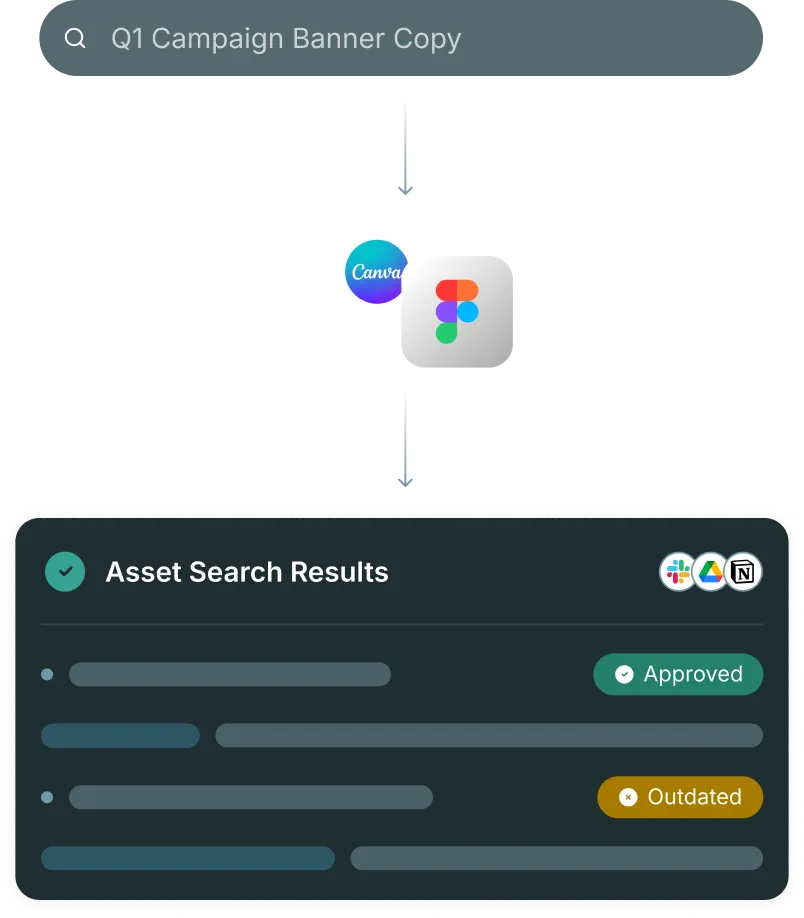
Example: Q1 Banner Copy
What to Expect
How Atolio Found It
You described the asset in plain words. Atolio searched your shared drives, team chat and docs, reading the text inside each file instead of relying on its name.
Each result links to its source. So you can open the approval thread and confirm which version your team signed off on.
Avoid These Traps
- Skipping the brand guide. Colors, fonts and tone have rules. Ask “What does our brand guide say about [topic]?” before you tweak an asset, so it stays on brand.
- Rewriting what already exists. Before you draft a new tagline or boilerplate, ask “What approved copy do we have for [product]?” and start from there.
- Looking only in the asset folder. Approved copy often lives in a chat thread or a launch doc instead. Leave out the source and Atolio checks every connected app.
What Atolio Does (and Doesn’t)
- Find approved copy you can reuse
- Pull files, threads and guidelines
- Link every answer to its source
- Update versions without your input
- Show you anything you can’t access
- Know brand rules nobody wrote down
Try It: Your Next Launch
Where's the approved [asset] for [campaign]?Key Takeaways
- Find the latest logo in one search
- Reuse approved copy when you can
- Search every app, not just the asset folder