Contract Search & Retrieval
Which Version Did We Sign?
A vendor renewal is due next month, and the business wants to know what we agreed to. You find a folder full of files called final, a redline in someone’s email and a signed copy somewhere else. Before you answer, you need to know one thing.
Which version did we sign?
It’s on file. The executed agreement sits in a shared drive, the amendments live next to it and the negotiation happened over email.
Think of Atolio as a contract clerk who reads the fine print. Ask by counterparty, type or clause, and it finds the language you need, with a link to the document it came from.
Example: A Liability Clause
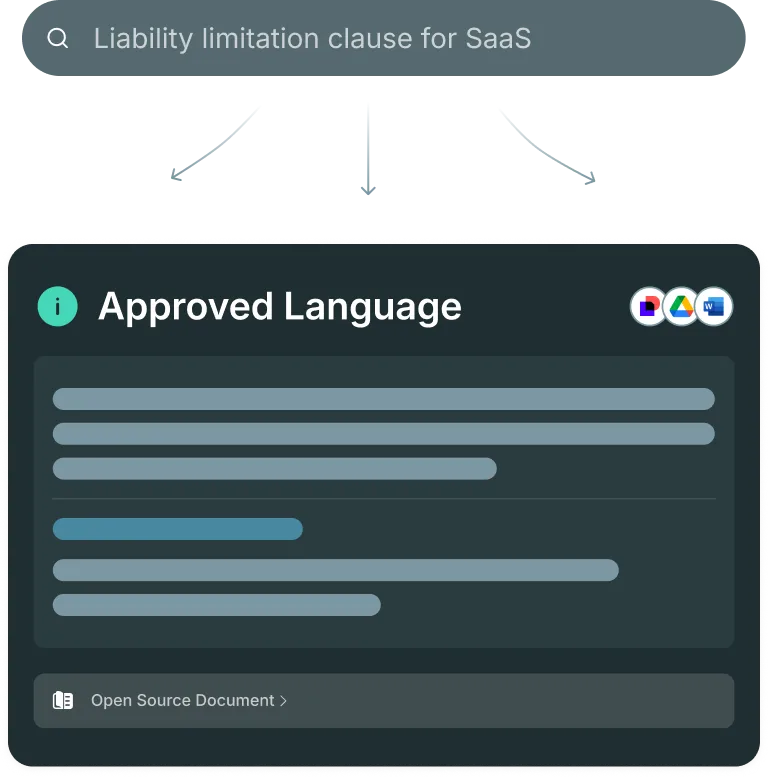
What to Expect
How Atolio Found It
You asked about a clause. Atolio searched your contract files, reading the text inside each PDF and Word document, and brought back the language with its source.
Each answer links to its document. So you can confirm it’s the executed version, not a draft, before you rely on it.
Avoid These Traps
- Leaving out the status. “Find the Acme MSA” can return drafts too. Name the counterparty, type and status, like “executed MSA with Acme,” to get the signed copy.
- Missing the amendments. The parent contract isn’t the whole story. Ask for amendments and SOWs alongside it, so you see what actually applies today.
- Check the source documents. Atolio links each answer to its document. Open it and check the version and date before the language goes to anyone.
What Atolio Does (and Doesn’t)
- Find contracts by party, type or clause
- Read text inside PDFs and Word files
- Link every answer to its document
- Replace the legal advice of your team
- Show you anything you can’t access
- Approve contracts without your input
Try It: Your Next Renewal
Find the executed MSA with [counterparty]Key Takeaways
- Summarize the key terms of any contract
- Find every amendment that applies
- Search by clause, not just file name