Compliance & Policy Discovery
Is This the Current Policy?
An auditor sends a list of policies they want to see by Friday. You know you have them, but one is in a shared drive, one is on the wiki and one went out in an all-company email two years ago. Before anything goes over, you have to ask.
Is this the current policy?
Usually, the answer is written down. The latest version sits somewhere in your shared drives or wiki, next to older copies nobody cleaned up.
Think of Atolio as your policy library with a search bar. Ask by name, topic or regulation, and it brings back the policy and related guidance, with a link to each source.
Example: A Data Privacy Policy
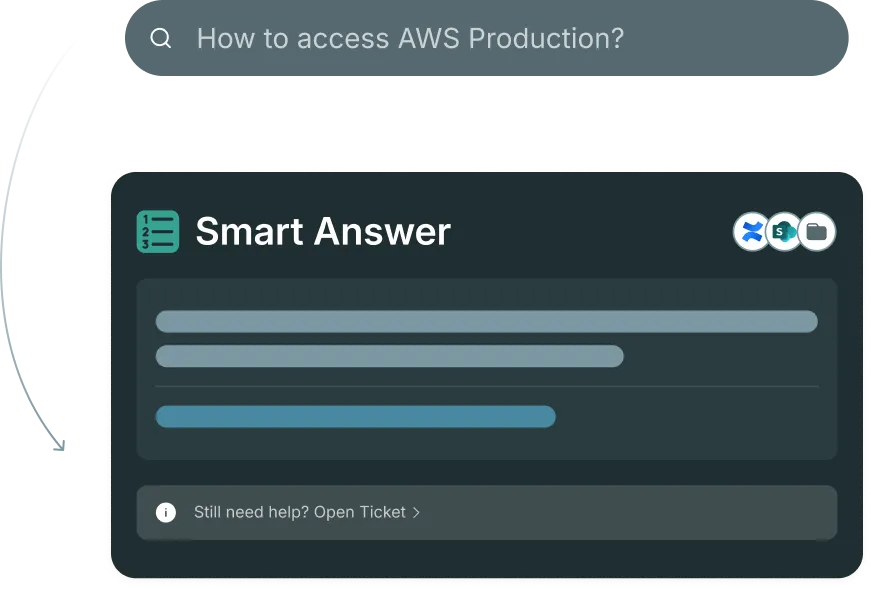
What to Expect
How Atolio Found It
You asked for a policy in plain language. Atolio searched your wiki and file shares, found the documents that cover it and pulled the answer into one place.
Each part links to its source. So you can check the version and date before anything goes to an auditor.
Avoid These Traps
- Use plain language. Skip the legal phrasing. Ask in plain words, like “How long do we keep customer data?”, and Atolio finds the policy.
- Asking by file name. Nobody remembers what the policy was called. Ask by topic or regulation instead, like “How do we handle GDPR requests?”
- Expecting a legal opinion. Atolio finds what your company has written. Whether a policy satisfies a regulation is still a call for your legal team.
What Atolio Does (and Doesn’t)
- Find policies by name, topic or rule
- Pull related guidance and memos
- Link every answer to its source
- Decide if you’re compliant
- Show you anything you can’t access
- Make policy changes without your input
Try It: Your Next Audit
Where's our current policy on [topic]?Key Takeaways
- Ask in plain language, not legal terms
- Summarize what a policy requires
- Find related guidance and memos