Permission-Aware Search
Who Can See What?
Security is running an access review, and Atolio is on the list. They want to know whether a search tool could put the exec comp file in front of the wrong person. Before the meeting, you need a clear answer to one question.
Who can see what?
The same people who could see it before. Atolio checks each person’s access in the source app on every search, so a file you can’t open there never shows up in your results.
Think of Atolio as a librarian who checks your badge for every book. When access changes at the source, Atolio follows it, and there’s no separate permission list to maintain. For the full story, see Permission-Aware Search Explained.
Example: The Exec Comp File
What to Expect
How Atolio Found It
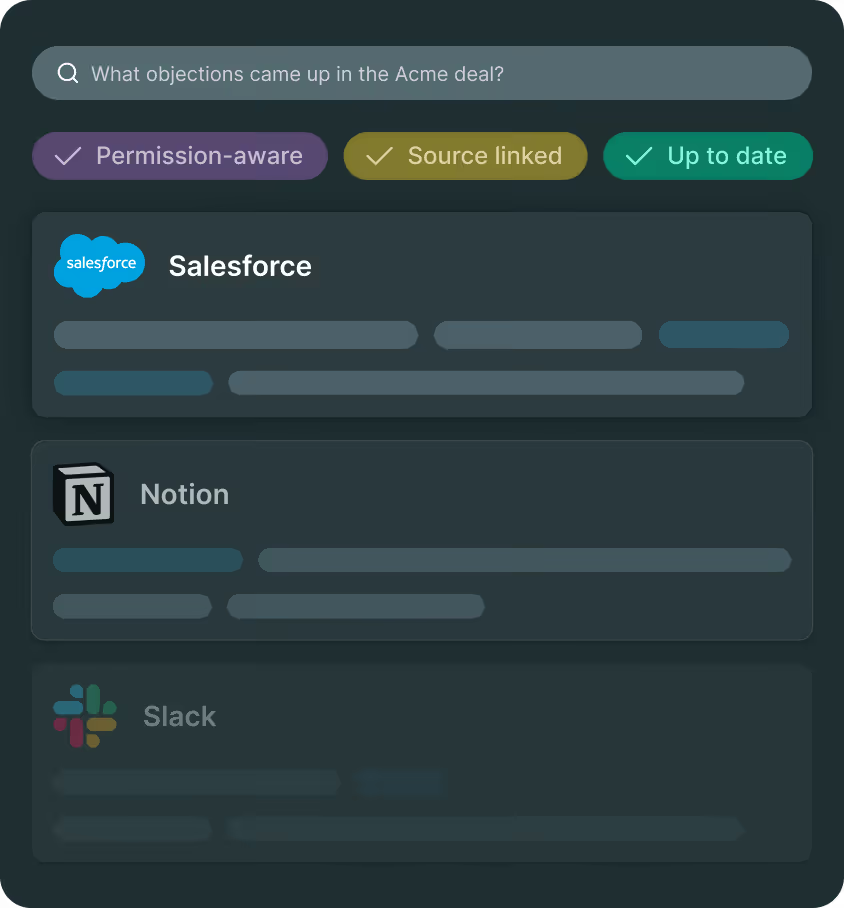
Someone asked about a sensitive file. Atolio checked their access in each source app before anything came back, and only showed what they could already open.
A junior analyst asking the same question gets nothing back, while a senior HR leader sees the file. Same question, different answers, because their access is different.
Avoid These Traps
- Fixing access in Atolio. There’s no separate permission list to change. Fix an over-shared doc in the app where it lives, and Atolio picks up the change.
- Forgetting the identity provider. When someone leaves, remove their access in your identity provider. Atolio follows it, so their content disappears from search too.
- Testing with your own account. You may see more than most people do. Ask a teammate with less access to try the same search, so you see what they see.
What Atolio Does (and Doesn’t)
- Check access on every search
- Follow changes at the source
- Show private content only to you
- Show anything you can’t open
- Keep its own permission list
- Fix over-sharing in the source app
Try It: Your Next Access Review
Find our past access reviews and offboarding SOP.Key Takeaways
- Atolio follows each app’s permissions
- Fix sharing problems at the source
- Remove access in your identity provider