IT Asset & Documentation Search
Where’s Everything About This?
A ticket lands. Someone’s laptop can’t reach a core app, and they need it working today. Before you can help, you need their device, their access and whether this has happened before, and each answer lives in a different tool. So you ask yourself one thing.
Where’s everything about this?
Spread across your ticketing tool, your identity provider and a few file shares. Pulling it together by hand means a tab for every system.
Think of Atolio as a case file that builds itself. Ask about the ticket or the user, and it brings their past tickets, their app access and the related docs into one answer, with a link to each source.
Example: A New Ticket
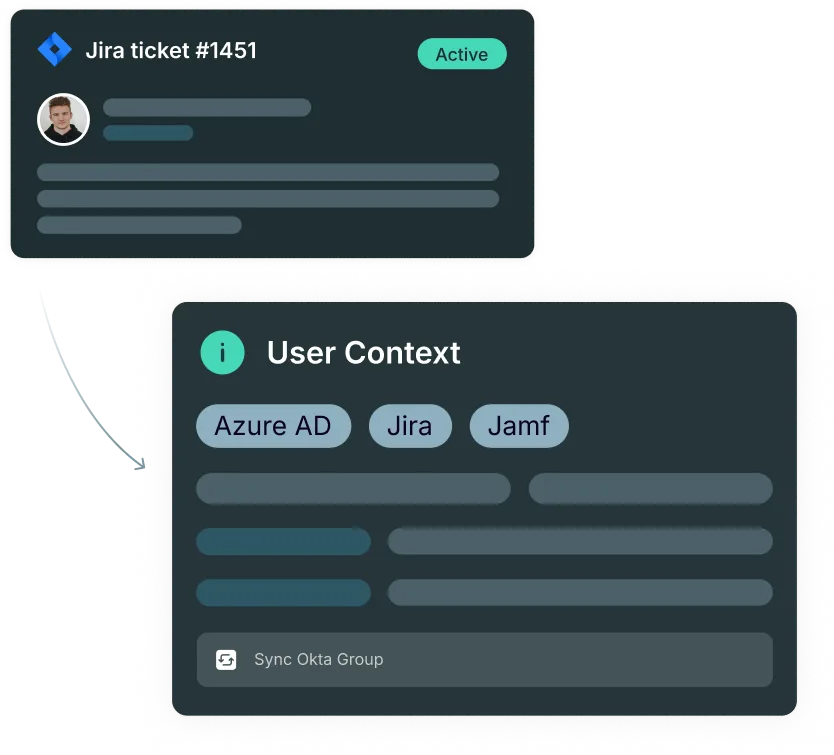
What to Expect
How Atolio Found It
You asked about one ticket. Atolio searched your ticketing tool and identity provider, then pulled the user’s past issues and app assignments into one view.
Each part links to its source. So before you make a change, you can open the original ticket or the user’s record and check the details.
Avoid These Traps
- Asking about the person too broadly. “Tell me about Sam” brings back a bit of everything. Ask about the problem, like “Has Sam’s laptop had VPN issues before?”
- Treating the summary as the fix. Atolio shows what’s happened before and who has access. You still decide what to change, in the tools where the change belongs.
- Expecting tools that aren’t connected. Atolio only searches the tools your admin has connected. If device records live somewhere else, check that system directly.
What Atolio Does (and Doesn’t)
- Pull past tickets and app access
- Find setup guides and runbooks
- Link every answer to its source
- Change access or devices for you
- Search tools that aren’t connected
- Show you anything you can’t access
Try It: Your Next Ticket
Has [user or device] had issues like [problem] before?Key Takeaways
- Ask about the problem, not just the person
- Open the source to check your records
- Make sure your apps are connected