Permission-Aware Search Explained
Can It See My Private Stuff?
It’s your first week with Atolio. You ask a question, and answers come back from apps you haven’t even opened today. Then a thought stops you.
Can it see my private stuff?
Only you can, plus the people you’ve shared it with. Atolio reads who can open each item straight from the app it lives in, and checks you against that list every time you search, before anything reaches the AI.
Think of it like your building badge. It opens the same doors it always did, and Atolio never hands you a key you didn’t already have.
Example: The Account Plan
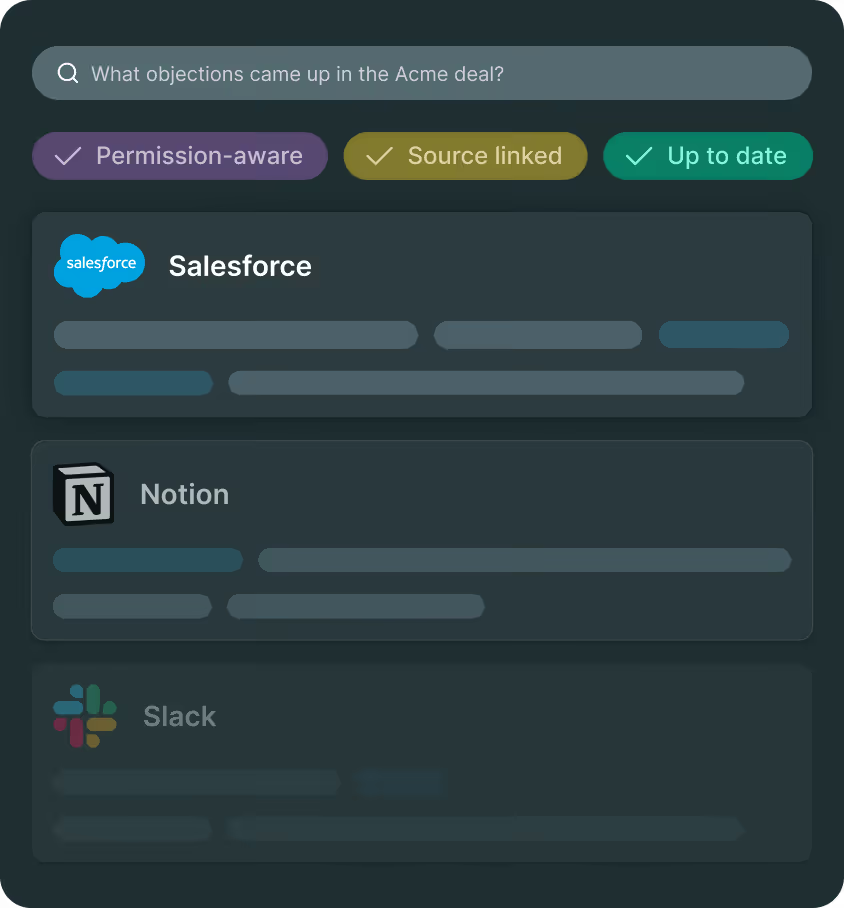
What to Expect
How Atolio Found It
You asked about one account. Atolio found matching items in your CRM, docs and team chat, then checked each one against who can open it in its own app.
Anything you can’t open was left out before the answer was written, so the AI never saw it. A teammate with different access can ask the same question and get a different answer.
Avoid These Traps
- Worrying about your DMs. Private chats and email are searchable, but only by the people in that conversation. Nobody else can find them in Atolio.
- Thinking Atolio changed access. Atolio follows each app exactly. If a doc is shared with everyone, everyone can find it. Update the sharing where the doc lives.
- Expecting instant updates, always. When making updates in an app, Atolio picks it up on its next sync. This period of time between apps can sometimes differ.
What Atolio Does (and Doesn’t)
- Follow each app’s own permissions
- Check access every time you search
- Pick up sharing changes on each sync
- Show you anything you can’t open
- Fix over-shared docs for you
- Need a second set of access rules
Try It: Your Team’s Latest Doc
Where's my team's latest planning doc?Key Takeaways
- Atolio follows each app’s permissions
- Private chats stay with the people in them
- Fix over-sharing in the app it came from