How to Search Like an Expert
How Do I Ask This Better?
You asked Atolio a quick question and got back a pile of results. Some are close, none are quite it, and you’re not sure what to try next.
How do I ask this better?
Add a little context. Say who or what it’s about, the type of doc you want and when. Atolio matches your words and their meaning, so plain language works, and a few details make it sharp.
Think of it like asking a librarian. “Something about onboarding” gets you a shelf. “This year’s onboarding checklist for engineers” gets you the book.
Example: The Onboarding Guide
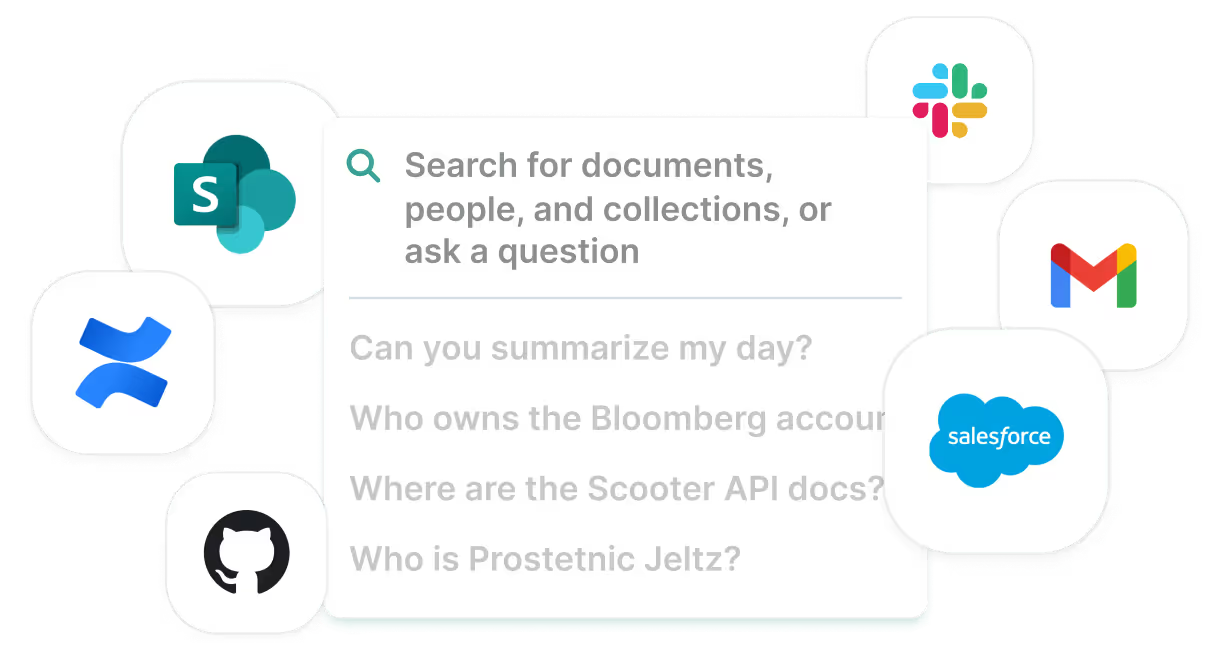
What to Expect
How Atolio Found It
You asked for something specific, a guide from one quarter. Atolio matched your words and their meaning across every connected app, then ranked the results using details like dates.
So the guide you meant comes first, not every doc that mentions onboarding. Ask also cites every source, so you can open it and check.
Avoid These Traps
- Searching in keywords or titles. “RCA database Q3” makes Atolio guess. “What caused the Q3 database outage?” tells it exactly what you want, so ask in plain words.
- Starting over after a weak answer. Your next question keeps the context. Follow up with “check Notion too” or “just Slack” instead of typing it all again.
- Overthinking the perfect prompt. There’s no special wording to learn. Ask the way you’d ask a teammate, in a sentence or two, and let Atolio do the searching.
What Atolio Does (and Doesn’t)
- Understand natural language
- Keep context when you follow up
- Cite every source it used
- Need the exact words from a doc
- Know things nobody wrote down
- Need a special way of asking
Try It: Add Who, What and When
Find the [team] [doc type] from [time frame]Key Takeaways
- Ask in plain language
- Add who or what, type and when
- Follow up instead of starting over