Staffbase Connector
The Staffbase connector enables indexing of various resources from your Staffbase platform, including Users, Campaigns, Posts, and Comments. This integration allows you to search and access Staffbase content directly through Atolio.
Set Up Administrator API Key and Retrieve Base URL
To set up the Staffbase connector, you’ll need to create an API key with administrator privileges. Follow these steps:
Log in to your Staffbase account as an administrator.
Navigate to the Admin Panel:
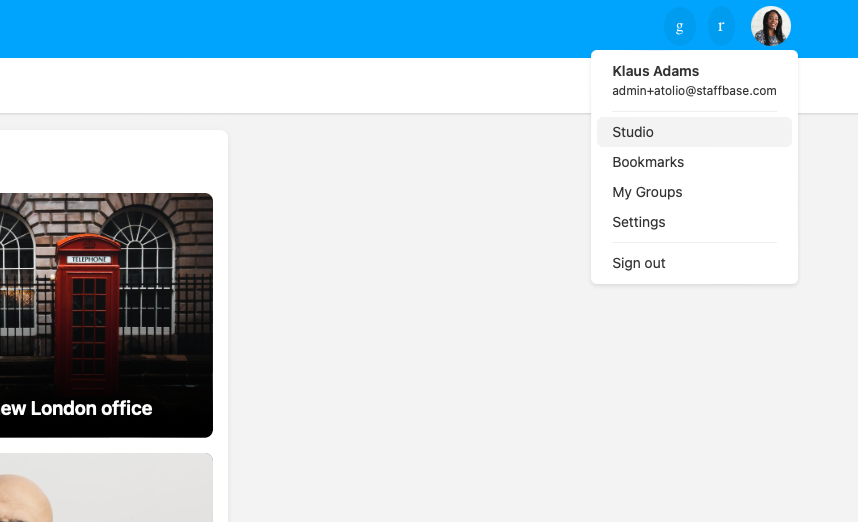
a. Click your user profile at the top right, then click ‘Studio’ in the drop-down menu.
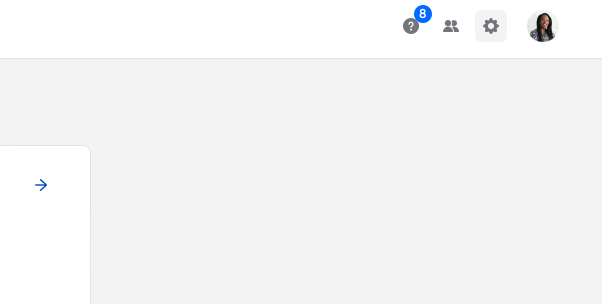
b. Click the gear icon at the top right corner.
c. In the new page, you will see a column on the left. Click the ‘API Access’ tab.

Click the “Create New API Key” button.
Provide a descriptive name for the key, such as “Atolio Connector”.
Under “Access”, select “Read-only” to ensure full access to all resources.
Click “Create”.
Copy the generated API key. You won’t be able to view it again. You’ll provide it as described in Required Configuration Values.
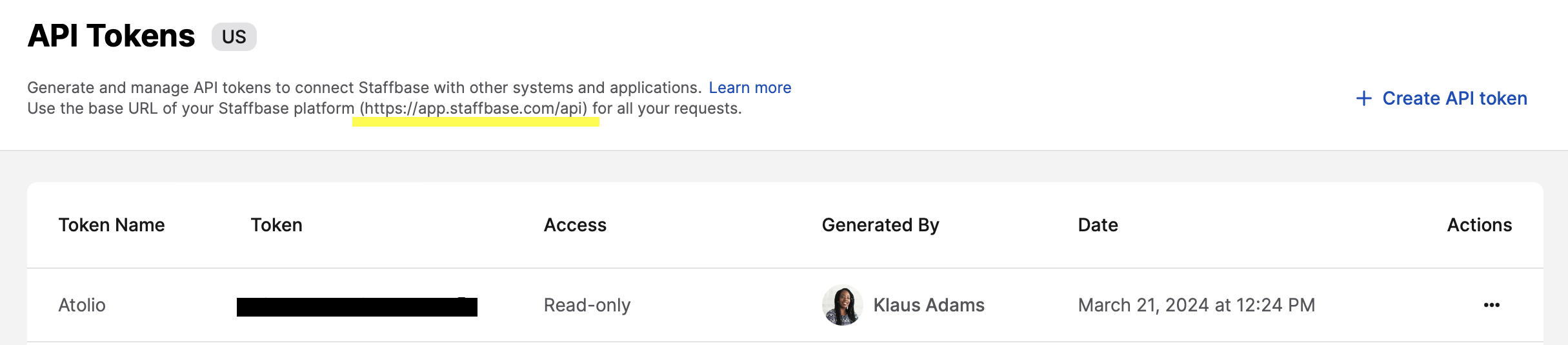
On the same page, you’ll also see the base URL for your instance:
Required Configuration Values
Enter these values in the Atolio Admin console (v4.24 and later), or send them to Atolio Support (your Deployment Engineer).
| Value | Where to find it | Example / format | Secret |
|---|---|---|---|
| Base URL | Step 8, shown on the API Access page | https://yourcompany.staffbase.com | No |
| API key | Step 7, the API key you generated | Long random string | Yes |
Keep secrets secure: Share values marked “Yes” in the Secret column only through a password-manager share (e.g. 1Password) or another secure channel agreed with Atolio Support. Never send them in plain email, chat, or support tickets.
Configuration Example
Add this block to connector-values.yaml. Replace each <PLACEHOLDER> with the matching value from the table above, and remove any line marked “Only if” that doesn’t apply.
connectors:
  staffbase:
    default:
      staffbase:
        connector: staffbase
        instance: default
        source: staffbase
        common:
          enabled: true
          identity-provider: false
          cron-spec: "0 7 * * *"  # Staffbase is only synced on this schedule
        secrets:
          token:
            value: "<API_KEY>"
        configuration:
          base-url: "<BASE_URL>"