See how marketing teams find assets, briefs and research in one search.
Marketing · Lesson 1 of 4 · 3 min
Atolio Works with Every Part of the Marketing Workflow
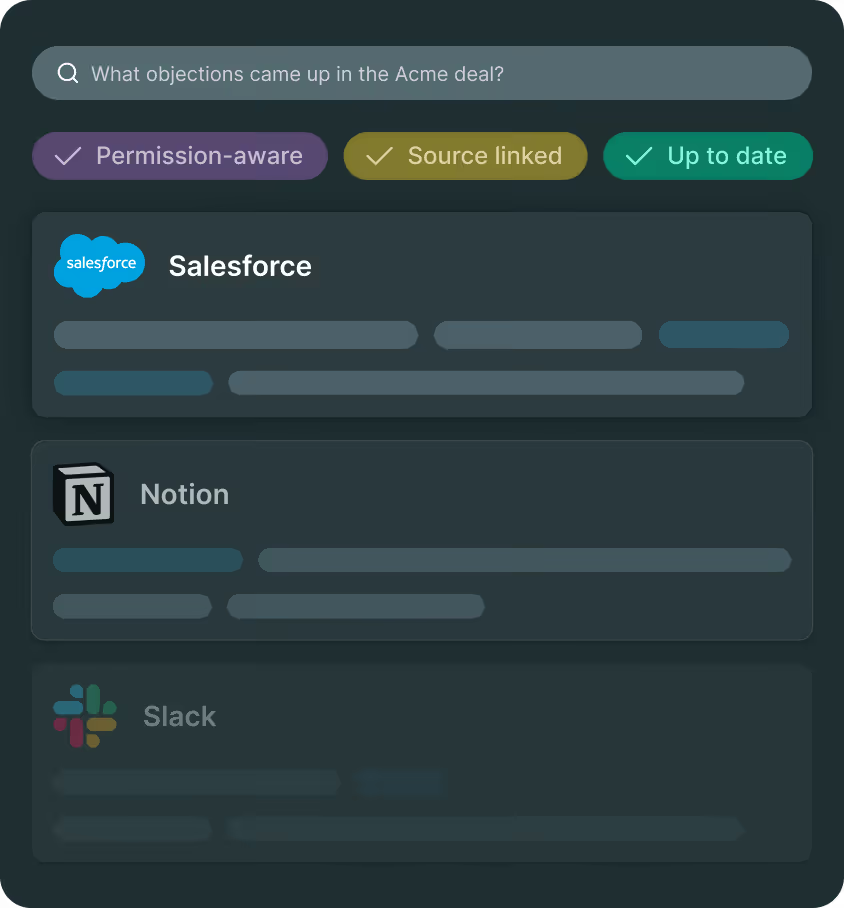
Ask one question and Atolio searches your decks, brand files, briefs and chat together, with answers that link to their sources. Your admin picks which tools are connected. These are just a few of the most common applications.
Select a logo to see what Atolio can search there.
Go from Searching to Knowing
The answers your team needs already exist, scattered across decks, brand files, briefs and chat. Atolio brings them together in one answer, so you spend less time hunting for files and more time creating.
Old way
The answers exist. Finding them is the problem.
New way
Unlock institutional knowledge, unlock potential.
Built for Everyone on the Marketing Team
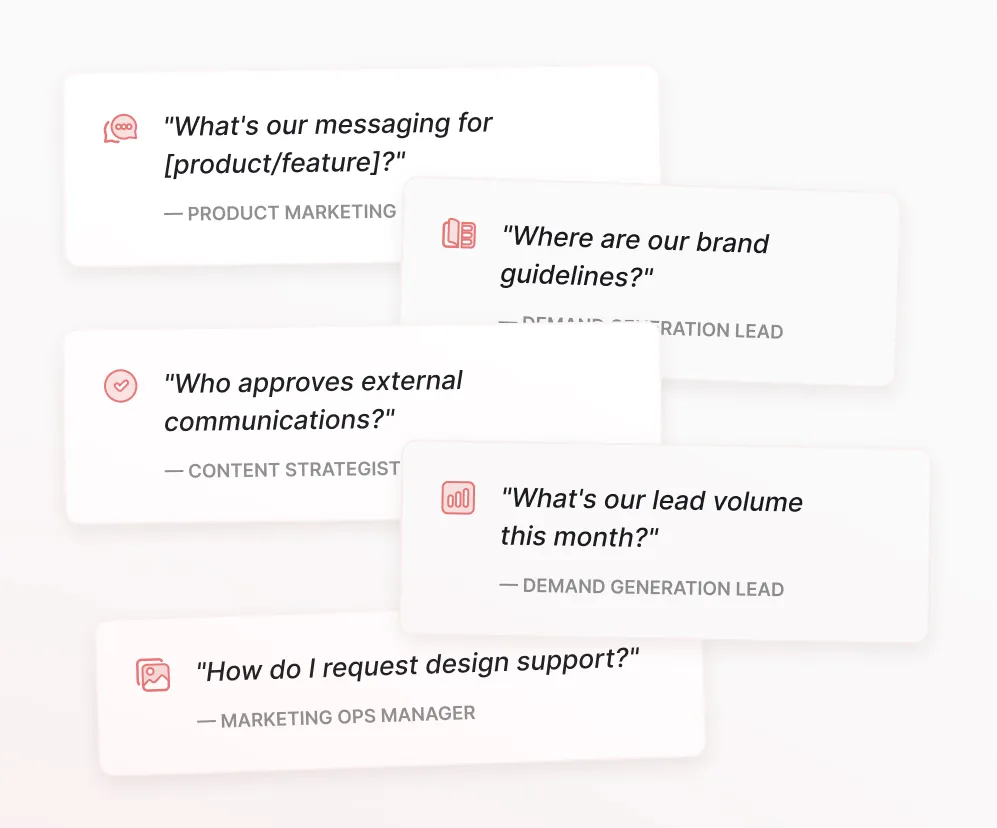
From the PMM shaping the launch to the ops lead wiring the tools together, everyone gets answers from the same tools. Open a role to see the questions it asks most.
Product Marketing Manager (PMM)
Find competitive intel, messaging frameworks and launch assets, so you can position products well and enable sales.
See how Atolio can help
“Show me competitive battlecards and recent win/loss analysis for [competitor]”
“Find messaging frameworks and positioning docs for [product or feature]”
“Pull customer case studies and testimonials for [industry or use case]”
“What launch materials and sales enablement assets exist for [product]?”
“Show me market research and buyer persona documentation for [segment]”
Demand Generation Lead
Find campaign results, conversion insights and targeting strategies, so you can build pipeline and show return.
See how Atolio can help
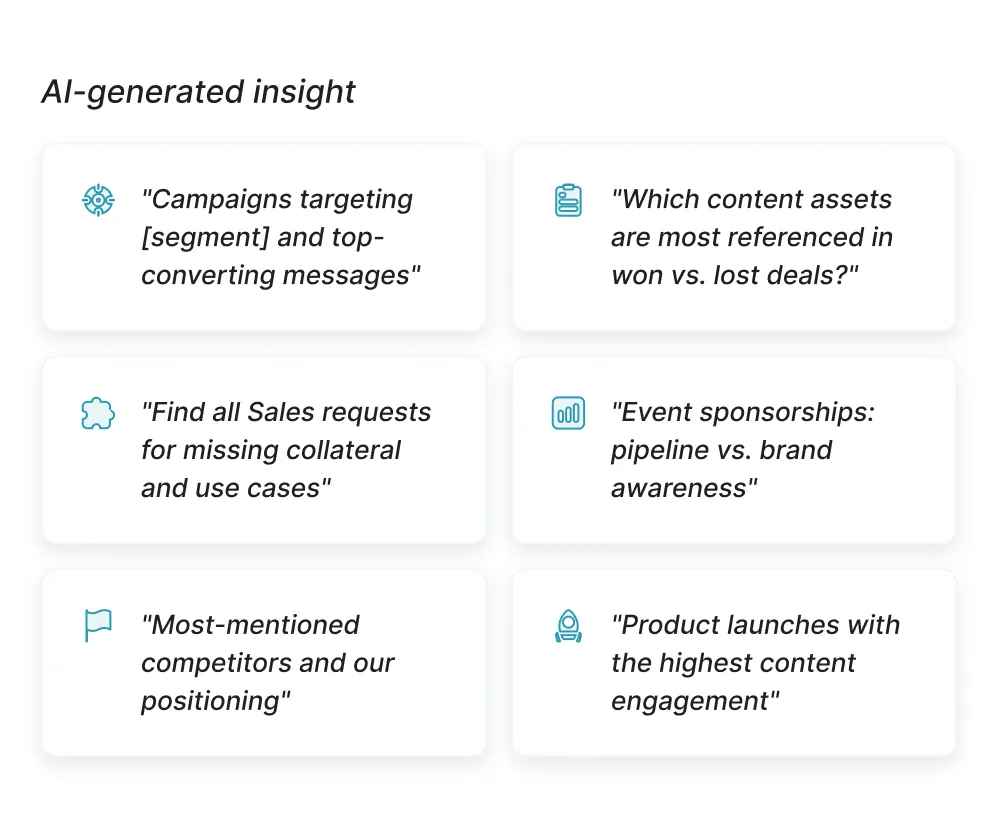
“Show me performance metrics and conversion rates for [campaign type or channel]”
“Find audience segmentation strategies and targeting criteria that worked best”
“Which email templates and nurture sequences have the highest engagement?”
“Pull A/B test results and lessons from past campaigns”
“Show me lead scoring models and qualification criteria for [segment]”
Content Strategist
Find brand guidelines, content results and topic research, so you can create on-brand content that lands.
See how Atolio can help
“Show me brand voice guidelines and approved messaging for [topic or product]”
“Find top-performing content by engagement and conversion for [audience or channel]”
“What content gaps exist based on SEO research and customer questions?”
“Pull content calendars and editorial guidelines for [channel or campaign]”
“Show me competitor content analysis and ways we can stand apart”
Marketing Ops Manager
Bring marketing tech docs, campaign workflows and performance analytics together, so you can improve processes and show return.
See how Atolio can help
“Show me integration documentation and data flow between [marketing tools]”
“Find campaign setup guides and approval workflows for [campaign type]”
“What are our attribution models, and how do we track revenue contribution?”
“Pull lead routing rules and CRM sync processes for [segment or region]”
“Show me how our marketing tools are used and where we could cut licenses”
Up NextFind the current, approved version of any brand asset or copy.
2 - Finding Brand Assets & Copy
Find the current, approved version of any brand asset or copy.
Marketing · Lesson 2 of 4 · 3 min
Every launch runs on brand assets, and there’s always more than one version floating around.
Which Version Is the Right One?
The Q1 campaign goes live tomorrow, and you need the approved banner copy. You find three files. One says final, one says final_v2 and one was edited last week. Before anything ships, you need to know.
Which version is the right one?
Your team already decided, somewhere. The approval sits in a team chat thread, the file lives in a shared drive and the brand rules are in your docs.
Think of Atolio as a brand librarian. Describe the asset in plain words, and it brings back the files, the approval threads and the guidelines together, with a link to each source.
Example: Q1 Banner Copy
Example
Use CaseFind the Approved Copy Before an Old Version Ships
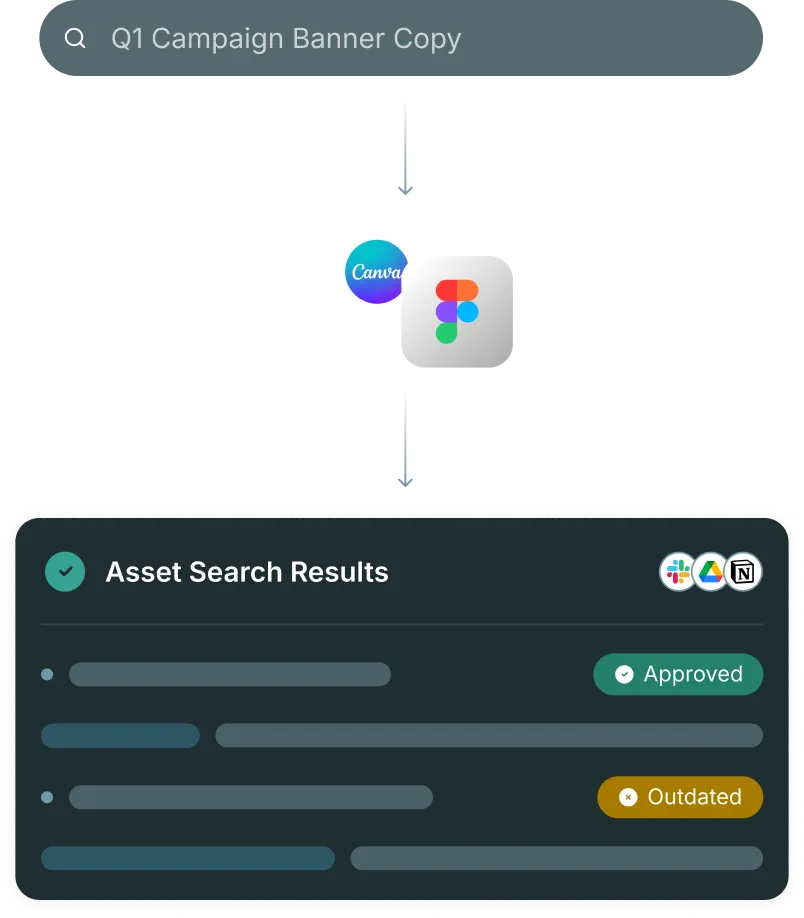
Q1 Campaign Banner Copy
Connectors in This Example
Select a connector to see what Atolio looks for there.
In Google Drive, Atolio looks for Banner files, decks and copy docs.
In Slack, Atolio looks for Threads where the copy was approved.
In Notion, Atolio looks for Brand guidelines and campaign briefs.
What to Expect
How Atolio Found It
You described the asset in plain words. Atolio searched your shared drives, team chat and docs, reading the text inside each file instead of relying on its name.
Each result links to its source. So you can open the approval thread and confirm which version your team signed off on.
Avoid These Traps
Skipping the brand guide. Colors, fonts and tone have rules. Ask “What does our brand guide say about [topic]?” before you tweak an asset, so it stays on brand.
Rewriting what already exists. Before you draft a new tagline or boilerplate, ask “What approved copy do we have for [product]?” and start from there.
Looking only in the asset folder. Approved copy often lives in a chat thread or a launch doc instead. Leave out the source and Atolio checks every connected app.
What Atolio Does (and Doesn’t)
It will
Find approved copy you can reuse
Pull files, threads and guidelines
Link every answer to its source
It won't
Update versions without your input
Show you anything you can’t access
Know brand rules nobody wrote down
Try It: Your Next Launch
Try It NowCopy this into Atolio and swap the [brackets] for your own details.
Where's the approved [asset] for [campaign]?
Key Takeaways
Key Takeaways
Find the latest logo in one search
Reuse approved copy when you can
Search every app, not just the asset folder
Up NextGather what your company already knows about a competitor.
3 - Competitive Research Across Your Company
Gather what your company already knows about a competitor.
Marketing · Lesson 3 of 4 · 3 min
Every company knows more about its competitors than any one person does.
What’s the Field Saying?
A competitor just changed their pricing. Sellers are hearing about it on calls, someone posted a screenshot in chat and the win/loss doc is from last quarter. Your team wants a take by Friday, and one question comes first.
What’s the field saying?
A lot, just in pieces. Deal notes sit in your CRM, battlecards live in your docs and the freshest intel shows up in team chat.
Think of Atolio as a newsroom for competitive intel. Ask about the competitor, and it brings the deal notes, the battlecards and the latest chatter into one answer, with a link to each source.
Example: A Pricing Change
Example
Use CaseGather What Sellers, Docs and Deals Say About a Competitor
What's the latest on Rival Co's pricing?
Connectors in This Example
Select a connector to see what Atolio looks for there.
In Salesforce, Atolio looks for Deal notes and loss reasons that name them.
In Notion, Atolio looks for Battlecards and positioning docs.
In Slack, Atolio looks for Field chatter about the competitor.
What to Expect
How Atolio Found It
You asked about one competitor. Atolio searched your CRM, docs and team chat, then put the latest field chatter next to older deal notes and battlecards.
Each part links to its source. So you can see how fresh each piece is and quote it accurately in your take.
Avoid These Traps
Treating one post as the news. A single chat message is a rumor until something backs it up. Look for the same detail in deal notes or calls before you share it.
Relying on an old battlecard. Battlecards go stale fast. Check the date, then ask what’s changed since, so your take reflects the latest from the field.
Missing what sales already heard. Reps hear about competitors on every call. Ask “What have prospects said about [Competitor] lately?” to pull in call notes and deal records.
What Atolio Does (and Doesn’t)
It will
Pull intel from deals, docs and chat
Show what prospects said on calls
Link every answer to its source
It won't
Update battlecards without your input
Show you anything you can’t access
Know what nobody wrote down
Try It: Your Top Competitor
Try It NowCopy this into Atolio and swap the [brackets] for your own details.
What are we hearing about [competitor] lately?
Key Takeaways
Key Takeaways
Pull intel from every connected app
Compare win stories across competitors
Find out what prospects said on calls
Up NextPractice prompts for every marketing role, from PMMs to marketing ops.
4 - Prompt Appendix: Marketing
Practice Atolio prompts for PMMs, demand gen, content and ops.
Marketing · Lesson 4 of 4 · 2 min
Everything you’ve explored in this track, from the approved banner copy to your next competitive take, is packaged here as ready-to-use prompts to help you get started.
What Do I Ask?
You’ve seen what Atolio can do. But the first time you open it on your own, the empty search box can stop you cold, and one question takes over.
What do I ask?
That’s the objective of this appendix. The prompts below are grouped by role and written the way you’d ask a teammate. Pick your role, copy a prompt, swap anything in [brackets] for your own details and run it.
Pick Your Role
Product Marketing. Find battlecards, positioning and launch assets.
Show me battlecards and win/loss notes for [competitor]
When to use it Use it before a launch or a sales enablement session.
What you get The latest battlecards and win/loss write-ups.
Find positioning docs for [product or feature]
When to use it Use it before you write launch copy.
What you get Messaging and positioning docs, with links.
Pull case studies for [industry or use case]
When to use it Use it when sales asks for proof points.
What you get Case studies and customer stories, with links.
What launch assets exist for [product]?
When to use it Use it before you build launch assets from scratch.
What you get Launch decks, one-pagers and enablement docs.
Show me persona docs for [segment]
When to use it Use it when you plan messaging for a new segment.
What you get Persona docs and market research, with links.
Demand Gen. Find campaign results, targeting and tests.
Show me campaign results for [channel]
When to use it Use it before you plan the next campaign.
What you get Campaign reports and results write-ups, with sources.
What targeting worked best in past campaigns?
When to use it Use it when you set up targeting for a new campaign.
What you get Briefs and retros on targeting and results.
Which nurture emails had the best engagement?
When to use it Use it before you write a new nurture.
What you get Templates and the reports that compare them.
Pull A/B test results from past campaigns
When to use it Use it before you design a new test.
What you get Test write-ups and what was learned, with links.
Show me lead scoring criteria for [segment]
When to use it Use it when you review how leads are scored.
What you get Lead scoring docs and qualification criteria.
Content Strategy. Find brand voice, top content and calendars.
Show me brand voice guidelines for [topic]
When to use it Use it before you write or review copy.
What you get Brand guidelines and approved messaging, with links.
Find our top-performing content for [audience]
When to use it Use it when you plan your content calendar.
What you get Reports that call out top performers, with sources.
What content gaps do customer questions reveal?
When to use it Use it when you decide what to write next.
What you get SEO research and common questions from tickets.
Pull the content calendar for [channel]
When to use it Use it when you join a campaign already underway.
What you get The content calendar and editorial guidelines.
How does competitor content compare to ours?
When to use it Use it before you plan content against a competitor.
What you get Competitive content reviews and positioning docs.
Marketing Ops. Find tool docs, workflows and attribution.
Show me how data flows between [marketing tools]
When to use it Use it when data isn’t syncing between tools.
What you get Integration docs and diagrams, with links.
Find setup and approval steps for [campaign type]
When to use it Use it before you launch a campaign type you haven’t run before.
What you get Setup guides and approval steps, with sources.
How do we attribute revenue to marketing?
When to use it Use it before you report on marketing’s impact.
What you get Docs that define your attribution model.
Pull lead routing rules for [segment or region]
When to use it Use it when leads end up with the wrong rep.
What you get Lead routing docs and CRM sync guides, with sources.
Where could we cut marketing tool licenses?
When to use it Use it before renewals or budget planning.
What you get Tool reviews and usage write-ups, with links.
Make It a Habit
Use natural languageAsk the way you’d ask a teammate.
Add a time frame“Last quarter” pulls in recent campaigns.
Tell it where to lookAdd “check the brand guide” when you know.
Follow up if neededAsk again instead of starting over.