See how legal teams find contracts and policies, with permissions respected.
Legal & Compliance · Lesson 1 of 4 · 3 min
Atolio Works with Every Part of the Legal Workflow
Ask one question and Atolio searches your contracts, policies, memos and correspondence together, with answers that link to their sources. Your admin picks which tools are connected. These are just a few of the most common applications.
Select a logo to see what Atolio can search there.
Go from Searching to Knowing
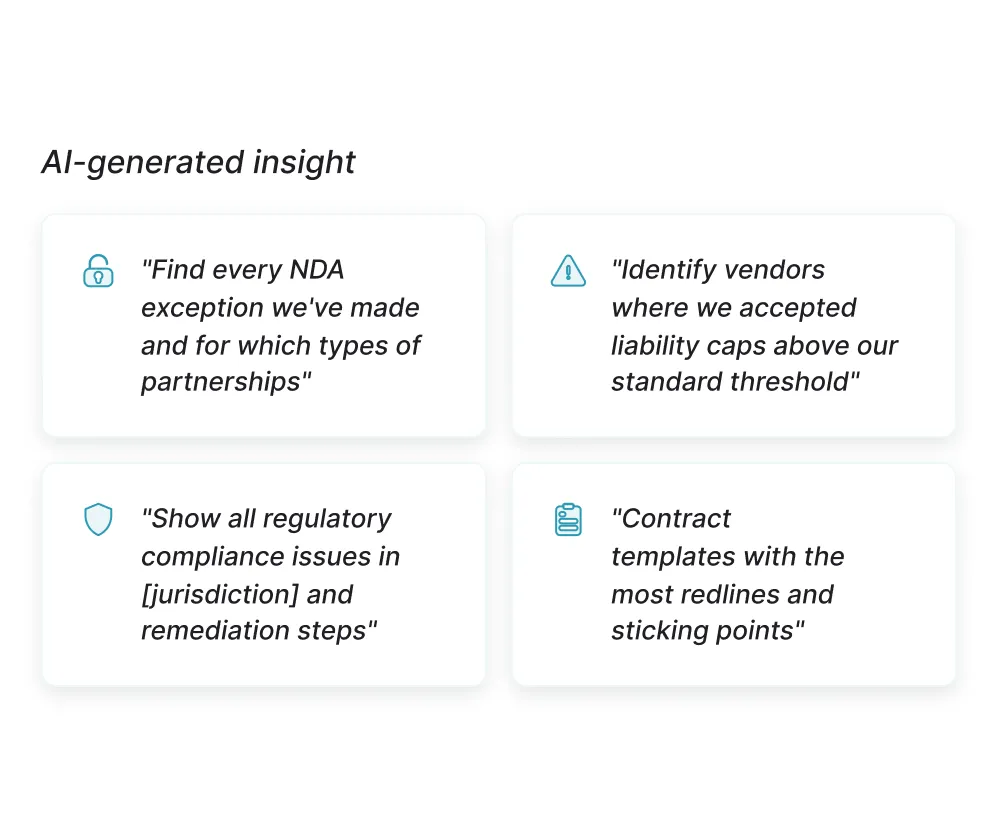
The answers your team needs already exist, scattered across contracts, policies, memos and email. Atolio brings them together in one answer, and only shows each person what they’re allowed to see.
Old way
The answers exist. Finding them is the problem.
New way
Unlock institutional knowledge, unlock potential.
Built for Everyone on the Legal Team
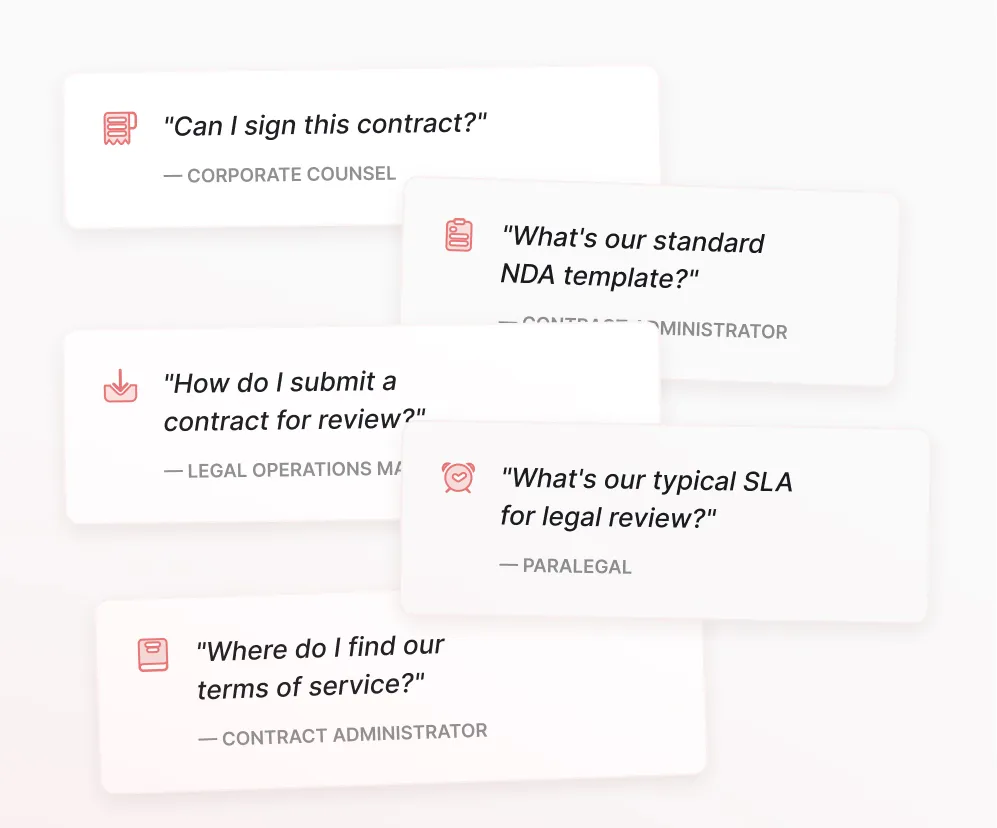
From the counsel reviewing a clause to the paralegal pulling case files, everyone gets answers from the same tools. Open a role to see the questions it asks most.
Corporate Counsel
Find past contracts, legal memos and regulatory guidance, so you can move deals forward and manage risk.
See how Atolio can help
“Show me past contracts and negotiation positions for [deal type or clause]”
“Find legal memos and opinions on [regulatory issue or legal question]”
“What compliance requirements and policies apply to [business area or region]?”
“Pull standard contract templates and approved fallback language for [agreement type]”
“Show me litigation history and outcomes for similar matters”
Contract Administrator
Find contract templates, approval workflows and clause language, so you can process agreements with fewer errors.
See how Atolio can help
“Show me standard terms and approved language for [contract type or clause]”
“Find contract approval workflows and signature authority for [deal size or type]”
“What are the redline guidelines and negotiation limits for [clause]?”
“Pull renewal dates, obligations and key terms for [vendor or customer contract]”
“Show me contract playbooks and checklists for [agreement type]”
Legal Operations Manager
Bring legal processes, vendor records and matter tracking together, so you can run the team well and show legal’s value.
See how Atolio can help
“Show me outside counsel spend and matter budgets by practice area”
“Find legal request intake processes and SLA tracking for [request type]”
“What legal tech tools do we have, and how do they connect?”
“Pull contract lifecycle reports and where agreements get stuck”
“Show me the legal team's workload and capacity planning”
Paralegal
Find case files, discovery materials and research, so you can support attorneys and keep legal work moving.
See how Atolio can help
“Show me the case files and discovery documents related to [matter or topic]”
“Find legal research and case law on [legal issue or jurisdiction]”
“What filing requirements and deadlines apply to [court or proceeding type]?”
“Pull document templates and formatting guidelines for [legal document type]”
“Show me deposition transcripts and evidence from similar cases”
Up NextFind any contract, amendment or clause by party, type or status.
2 - Contract Search & Retrieval
Find any contract, amendment or clause by party, type or status.
Legal & Compliance · Lesson 2 of 4 · 3 min
Every agreement leaves a trail of drafts, redlines and signed copies, and only one of them counts.
Which Version Did We Sign?
A vendor renewal is due next month, and the business wants to know what we agreed to. You find a folder full of files called final, a redline in someone’s email and a signed copy somewhere else. Before you answer, you need to know one thing.
Which version did we sign?
It’s on file. The executed agreement sits in a shared drive, the amendments live next to it and the negotiation happened over email.
Think of Atolio as a contract clerk who reads the fine print. Ask by counterparty, type or clause, and it finds the language you need, with a link to the document it came from.
Example: A Liability Clause
Example
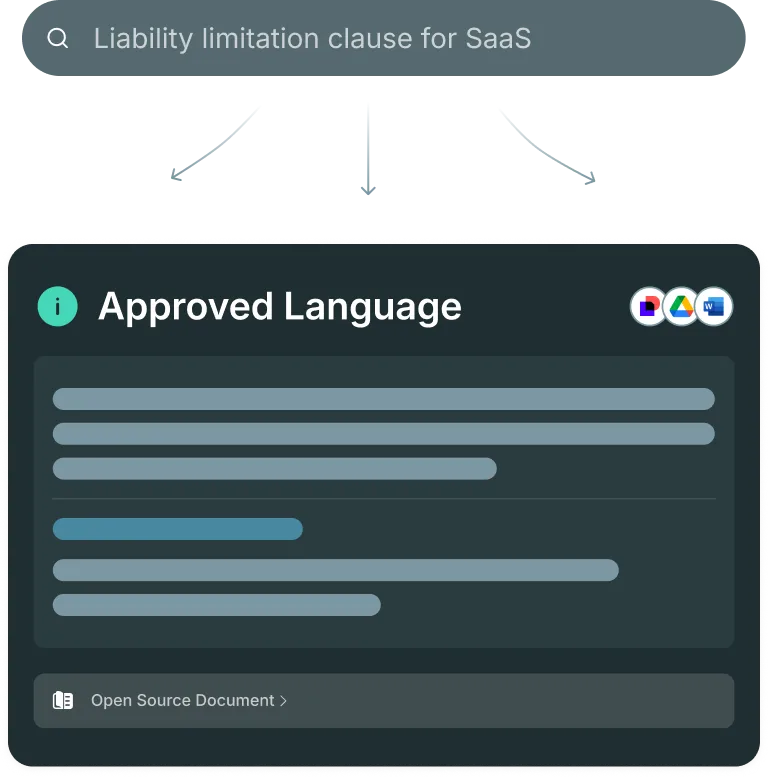
Use CaseFind the Clause You Need and the Document It Came From
Liability limitation clause for SaaS
Connectors in This Example
Select a connector to see what Atolio looks for there.
In Google Drive, Atolio looks for Contracts and templates in shared drives.
In SharePoint, Atolio looks for Executed agreements and amendments.
What to Expect
How Atolio Found It
You asked about a clause. Atolio searched your contract files, reading the text inside each PDF and Word document, and brought back the language with its source.
Each answer links to its document. So you can confirm it’s the executed version, not a draft, before you rely on it.
Avoid These Traps
Leaving out the status. “Find the Acme MSA” can return drafts too. Name the counterparty, type and status, like “executed MSA with Acme,” to get the signed copy.
Missing the amendments. The parent contract isn’t the whole story. Ask for amendments and SOWs alongside it, so you see what actually applies today.
Check the source documents. Atolio links each answer to its document. Open it and check the version and date before the language goes to anyone.
What Atolio Does (and Doesn’t)
It will
Find contracts by party, type or clause
Read text inside PDFs and Word files
Link every answer to its document
It won't
Replace the legal advice of your team
Show you anything you can’t access
Approve contracts without your input
Try It: Your Next Renewal
Try It NowCopy this into Atolio and swap the [brackets] for your own details.
Find the executed MSA with [counterparty]
Key Takeaways
Key Takeaways
Summarize the key terms of any contract
Find every amendment that applies
Search by clause, not just file name
Up NextFind the current version of every policy an auditor asks for.
3 - Compliance & Policy Discovery
Find the current version of every policy an auditor asks for.
Legal & Compliance · Lesson 3 of 4 · 3 min
Every audit comes down to proof, and the policies you need are rarely in one place.
Is This the Current Policy?
An auditor sends a list of policies they want to see by Friday. You know you have them, but one is in a shared drive, one is on the wiki and one went out in an all-company email two years ago. Before anything goes over, you have to ask.
Is this the current policy?
Usually, the answer is written down. The latest version sits somewhere in your shared drives or wiki, next to older copies nobody cleaned up.
Think of Atolio as your policy library with a search bar. Ask by name, topic or regulation, and it brings back the policy and related guidance, with a link to each source.
Example: A Data Privacy Policy
Example
Use CasePull the Policy an Auditor Asks For, with Its Source
Where's our current data privacy policy?
Connectors in This Example
Select a connector to see what Atolio looks for there.
In Confluence, Atolio looks for Policy pages and compliance guides.
In SharePoint, Atolio looks for Official policy documents.
What to Expect
How Atolio Found It
You asked for a policy in plain language. Atolio searched your wiki and file shares, found the documents that cover it and pulled the answer into one place.
Each part links to its source. So you can check the version and date before anything goes to an auditor.
Avoid These Traps
Use plain language. Skip the legal phrasing. Ask in plain words, like “How long do we keep customer data?”, and Atolio finds the policy.
Asking by file name. Nobody remembers what the policy was called. Ask by topic or regulation instead, like “How do we handle GDPR requests?”
Expecting a legal opinion. Atolio finds what your company has written. Whether a policy satisfies a regulation is still a call for your legal team.
What Atolio Does (and Doesn’t)
It will
Find policies by name, topic or rule
Pull related guidance and memos
Link every answer to its source
It won't
Decide if you’re compliant
Show you anything you can’t access
Make policy changes without your input
Try It: Your Next Audit
Try It NowCopy this into Atolio and swap the [brackets] for your own details.
Where's our current policy on [topic]?
Key Takeaways
Key Takeaways
Ask in plain language, not legal terms
Summarize what a policy requires
Find related guidance and memos
Up NextPractice prompts for every legal role, from counsel to paralegals.
4 - Prompt Appendix: Legal
Practice Atolio prompts for counsel, contracts, legal ops and paralegals.
Legal & Compliance · Lesson 4 of 4 · 2 min
Everything you’ve explored in this track, from the contract you signed to the policy an auditor wants, is packaged here as ready-to-use prompts to help you get started.
What Do I Ask?
You’ve seen what Atolio can do. But the first time you open it on your own, the empty search box can stop you cold, and one question takes over.
What do I ask?
That’s the objective of this appendix. The prompts below are grouped by role and written the way you’d ask a teammate. Pick your role, copy a prompt, swap anything in [brackets] for your own details and run it.
Pick Your Role
Corporate Counsel. Find past contracts, memos and policies.
Show me past negotiation positions on [clause]
When to use it Use it before you negotiate a clause you’ve negotiated before.
What you get Past agreements and the threads that set positions.
Find our memos on [legal question]
When to use it Use it before you research a question from scratch.
What you get Memos and opinions on that question, with sources.
What policies apply to [business area or region]?
When to use it Use it when the business moves into a new area or region.
What you get Policies and compliance docs that cover it.
Pull the template and fallback language for [agreement]
When to use it Use it when you draft or review that type of agreement.
What you get Current templates and fallback language, with links.
Show me outcomes of similar past matters
When to use it Use it when a new dispute comes in.
What you get Matter summaries you have access to, with sources.
Contract Admin. Find approved terms, workflows and renewals.
Show me approved language for [clause]
When to use it Use it when a counterparty asks for changes.
What you get Standard terms and approved language, with links.
Who has signature authority for [deal type]?
When to use it Use it before you route a contract for signature.
What you get Approval workflow and signature authority docs.
What are our redline limits for [clause]?
When to use it Use it when you’re marking up a contract.
What you get Playbooks that set out what you can accept.
Pull renewal dates and key terms for [contract]
When to use it Use it before a renewal or when a notice deadline is close.
What you get The executed contract and amendments, with links.
Show me the contract playbook for [agreement type]
When to use it Use it when you take on an agreement type you don’t handle often.
What you get Playbooks and checklists, with sources.
Legal Ops. Find spend, intake processes and legal tools.
Show me outside counsel spend by practice area
When to use it Use it before budget planning.
What you get Budget docs and spend reports, with links.
How does legal intake work for [request type]?
When to use it Use it when you review how requests reach legal.
What you get Intake process docs and SLA reports.
What legal tech tools do we have?
When to use it Use it before you buy or set up a new legal tool.
What you get Docs and threads on your legal tools.
Where do our contracts get stuck?
When to use it Use it when you look for ways to speed up contracting.
What you get Process reviews on contract turnaround.
Show me the legal team's capacity plan
When to use it Use it when you plan hiring or reassign work.
What you get Capacity plans and workload docs, with sources.
Paralegal. Find case files, research and templates.
Show me case files for [matter or topic]
When to use it Use it when you start work on a matter.
What you get Case files you have access to, with links.
Find our research on [legal issue or jurisdiction]
When to use it Use it before you start new research.
What you get Research memos and case law summaries.
What are the filing deadlines for [court]?
When to use it Use it when you prepare a filing.
What you get Filing guides and checklists for that court.
Pull the template for [legal document type]
When to use it Use it before you draft a new document.
What you get Templates and formatting guides, with sources.
Show me deposition transcripts from similar cases
When to use it Use it when you prepare for a deposition.
What you get Transcripts you have access to from similar matters.
Make It a Habit
Use natural languageAsk the way you’d ask a teammate.
Add a time frame“Last year” pulls in recent matters.
Tell it where to lookAdd “check the contract folder” when you know.
Follow up if neededAsk again instead of starting over.
Up NextSee how IT & Operations teams manage the permissions Atolio follows.