See how HR teams find policies, handbooks and hiring docs in one search.
People & HR · Lesson 1 of 4 · 3 min
Atolio Works with Every Part of the HR Workflow
Ask one question and Atolio searches your policies, handbooks, intranet and chat together, with answers that link to their sources. Your admin picks which tools are connected. These are just a few of the most common applications.
Select a logo to see what Atolio can search there.
Go from Searching to Knowing
The answers your people need already exist, scattered across policies, handbooks, intranets and chat. Atolio brings them together in one answer, so HR spends less time repeating answers and more time on people.
Old way
The answers exist. Finding them is the problem.
New way
Unlock institutional knowledge, unlock potential.
Built for Everyone on the HR Team
From the HR business partner answering a tough question to the lead planning the next culture program, everyone gets answers from the same tools. Open a role to see the questions it asks most.
HR Generalist / Business Partner (HRBP)
Find HR policies, past case guidance and benefits information, so you can resolve employee issues and support people managers.
See how Atolio can help
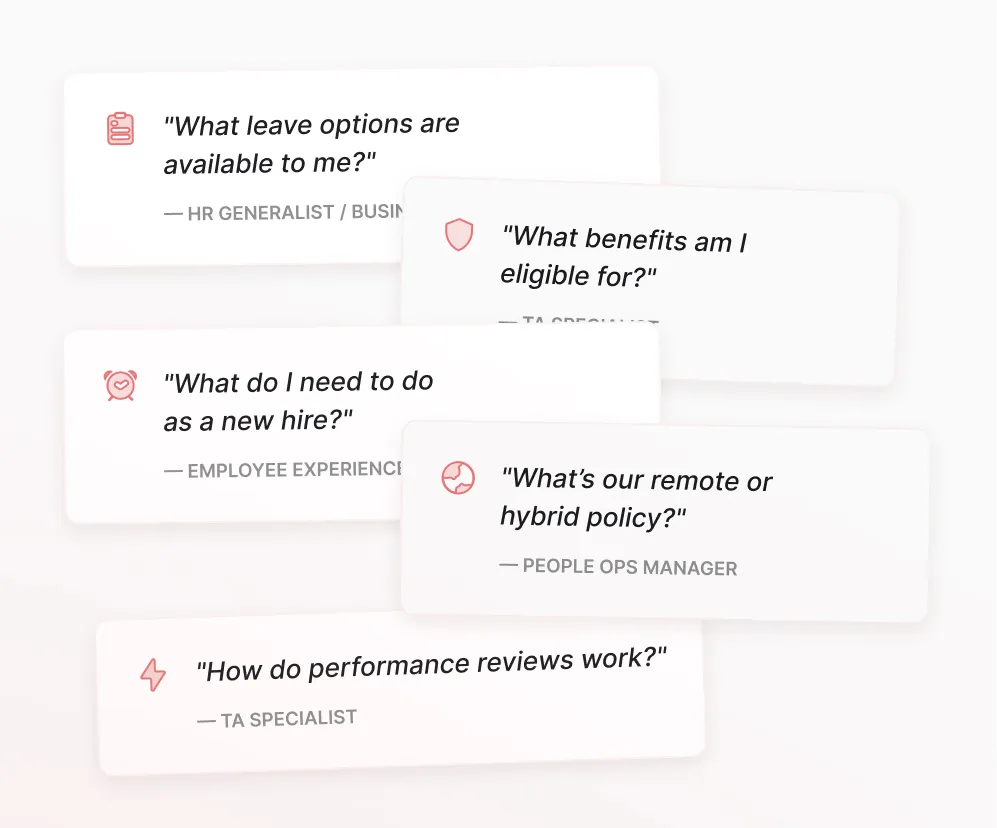
“Show me HR policies and guidelines for [employee situation or issue]”
“Find past case resolutions and guidance for similar [performance or conduct] matters”
“What are the benefits enrollment steps and plan details for [benefit type]?”
“Pull compensation bands and promotion guidelines for [role or level]”
“Show me leave policies and accommodation procedures for [leave type or situation]”
People Ops Manager
Bring together HR systems docs, process workflows and people analytics, so you can run operations smoothly and improve the employee experience.
See how Atolio can help
“Show me HRIS system guides and integration documentation for [platform or process]”
“Find employee lifecycle workflows and automation rules for [process or event]”
“What are the data definitions and reporting methods for [HR metric]?”
“Pull onboarding checklists and new hire experience documentation”
“Show me compliance requirements and audit documentation for [HR process or regulation]”
Employee Experience Lead
Find engagement data, program feedback and culture initiatives, so you can design experiences that attract and keep talent.
See how Atolio can help
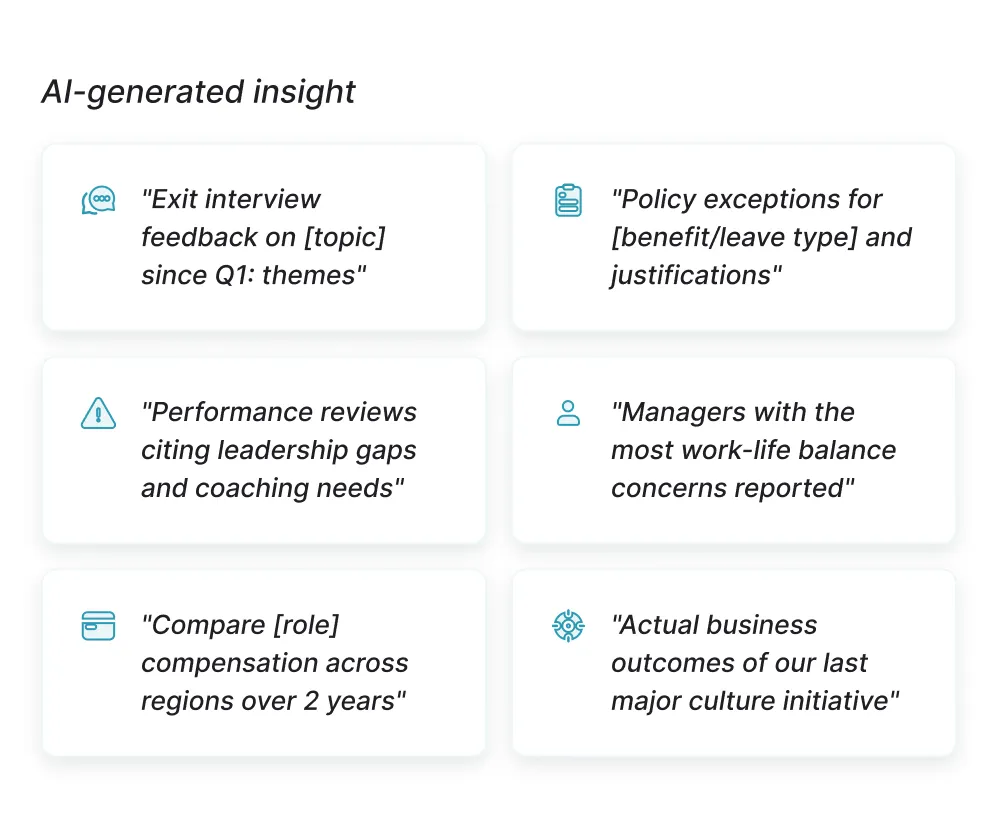
“Show me engagement survey results and sentiment trends by [team or topic]”
“Find documentation on employee programs and participation rates for [initiative]”
“What feedback and testimonials exist about [workplace program or policy]?”
“Pull DEI metrics, representation data and inclusion program outcomes”
“Show me the perks, benefits and culture content used in employer branding”
Up NextTurn repeat policy questions into answers employees find themselves.
2 - Policy & Handbook Discovery
Turn repeat policy questions into answers employees find themselves.
People & HR · Lesson 2 of 4 · 3 min
Every HR team hears the same questions about time off, benefits, expenses and leave, over and over.
Didn’t We Already Answer This?
It’s open enrollment, and your inbox is full. Does dental cover braces? When’s the deadline? How do I add my partner? The answers are in the benefits guide, but nobody can find it. So you catch yourself thinking the same thing.
Didn’t we already answer this?
You did, in writing. The benefits guide is on the intranet, the plan details sit in a shared drive and last year’s FAQ is pinned in an HR channel. Employees just don’t know where to look.
Think of Atolio as an HR front desk for the easy questions. Employees ask in plain language, and it brings back the right policy or guide, with a link to each source. That leaves HR free for the questions that need a person.
Example: A Benefits Question
Example
Use CaseLet Employees Answer Benefits Questions on Their Own
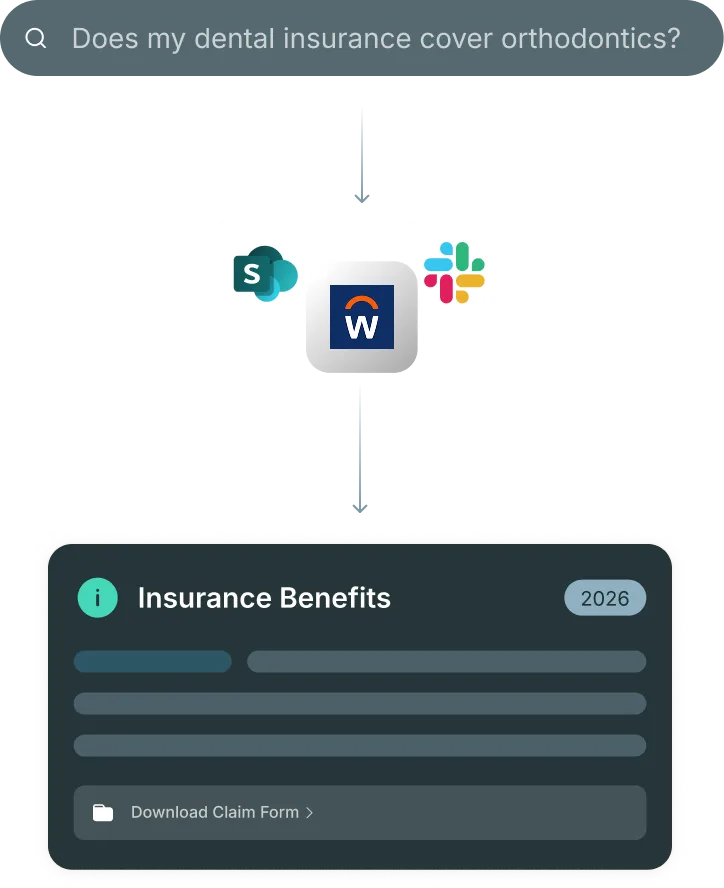
Does my dental insurance cover orthodontics?
Connectors in This Example
Select a connector to see what Atolio looks for there.
In SharePoint, Atolio looks for Benefits guides and plan documents.
In Slack, Atolio looks for HR channel posts and pinned FAQs.
What to Expect
How Atolio Found It
An employee asked in plain language. Atolio searched your intranet, file shares and HR channels, found this year’s benefits guide and pulled out the answer.
It links to the plan document and the claim form. So the employee can read the details and take the next step without opening a ticket.
Avoid These Traps
Leaving out who it’s for. PTO, benefits and leave often differ by country or role. Add the details, like “PTO for full-time staff in the UK”, to get the right policy.
Sharing an outdated version. Atolio favors newer docs, but older copies can still show up. Check the date on the source before you send a policy to anyone.
Always finding an answer. Some situations aren’t covered by any policy. If the answer isn’t written down, Atolio can’t find it, and that’s a question for HR.
What Atolio Does (and Doesn’t)
It will
Find the policy behind a question
Link every answer to its source
Show only what each person can see
It won't
Make policy decisions for HR
Handle cases nobody wrote down
Show you anything you can’t access
Try It: A Common Question
Try It NowCopy this into Atolio and swap the [brackets] for your own details.
What's our policy on [topic], like PTO?
Key Takeaways
Key Takeaways
Summarize policies in plain language
Make sure policies are kept up to date
Let employees find answers themselves
Up NextGive every new hire, and every departure, the right checklist for their role.
3 - Onboarding & Offboarding Support
Give every new hire, and every departure, the right checklist for their role.
People & HR · Lesson 3 of 4 · 3 min
Every first day, and every last one, comes with a checklist, and the right one depends on the role.
Where Do I Even Start?
A new product manager starts Monday in another office. Their manager wants a plan, IT wants the setup request and the new hire wants to know where everything is. Meanwhile, someone else leaves on Friday. Before the week begins, one thought comes to mind.
Where do I even start?
With what’s already written. The onboarding plan for each role, the setup guides and the offboarding checklist all live in your wiki and file shares.
Think of Atolio as the welcome desk on day one. New hires ask in plain language, and it brings back their plan and setup guides, with a link to each source. HR can pull the offboarding checklist the same way.
Example: A New Hire’s First Week
Example
Use CaseHelp New Hires Find Their Plan and Setup Guides on Day One
Where's my new hire checklist?
Connectors in This Example
Select a connector to see what Atolio looks for there.
In Confluence, Atolio looks for Onboarding plans and team guides.
In SharePoint, Atolio looks for Setup guides and offboarding checklists.
What to Expect
How Atolio Found It
A new hire asked in plain language. Atolio searched your wiki and file shares, then pulled their onboarding checklist and setup guides into one answer.
Each part links to its source. When someone leaves, the same kind of question brings back the offboarding checklist and the handoff template.
Avoid These Traps
Asking without enough context. “Show me the onboarding plan” brings back a generic one. Add the role or location, like “new PM in London,” to get the right plan.
Skipping the people expertise. A checklist covers the tasks, not the team. Ask Atolio who has worked most on the new hire’s projects, so you know who to introduce them to.
Forgetting access at the source. Atolio follows each app’s permissions. Remove a departing person’s access in your identity provider, and Atolio follows it.
What Atolio Does (and Doesn’t)
It will
Answer a new hire’s first questions
Pull checklists and guides together
Link every answer to its source
It won't
Revoke access without your input
Know steps nobody wrote down
Show you anything you can’t access
Try It: Your Next New Hire
Try It NowCopy this into Atolio and swap the [brackets] for your own details.
Find the onboarding checklist for a new [role] in [team].
Key Takeaways
Key Takeaways
Answer new hire questions in one place
Introduce new hires to the right experts
Make sure checklists are kept up to date
Up NextPractice prompts for every HR role, from HRBPs to employee experience.
4 - Prompt Appendix: People & HR
Practice Atolio prompts for HRBPs, people ops and employee experience.
People & HR · Lesson 4 of 4 · 2 min
Everything you’ve explored in this track, from a new hire’s first question to your next policy update, is packaged here as ready-to-use prompts to help you get started.
What Do I Ask?
You’ve seen what Atolio can do. But the first time you open it on your own, the empty search box can stop you cold, and one question takes over.
What do I ask?
That’s the objective of this appendix. The prompts below are grouped by role and written the way you’d ask a teammate. Pick your role, copy a prompt, swap anything in [brackets] for your own details and run it.
Pick Your Role
HR Business Partner. Find policies, benefits and past case guidance.
Show me HR policies for [employee situation]
When to use it Use it when an employee or manager brings you a situation you need to check.
What you get The policies and guidelines that apply, with links.
Find past guidance for similar [performance] cases
When to use it Use it before you advise a manager on a sensitive case.
What you get Guidance docs and past case notes, with sources.
What are the enrollment steps for [benefit type]?
When to use it Use it during open enrollment or when an employee asks about a plan.
What you get The enrollment guide and plan documents, with links.
Pull compensation bands for [role or level]
When to use it Use it before a promotion or offer conversation.
What you get Compensation docs you have permission to see.
Show me the leave policy for [leave type]
When to use it Use it when an employee asks about leave or an accommodation.
What you get The leave policy and accommodation steps, with links.
People Ops Manager. Find HR system guides, workflows and checklists.
Show me the HRIS guides for [platform or process]
When to use it Use it when you set up or troubleshoot an HR system process.
What you get HRIS guides and integration docs, with links.
Find lifecycle workflows for [process or event]
When to use it Use it before you change an onboarding, transfer or offboarding step.
What you get Workflow docs for that lifecycle event, with sources.
How is [HR metric] defined and reported?
When to use it Use it before you report on an HR metric.
What you get Docs that define the metric and how it’s reported.
Pull onboarding checklists and new hire guides
When to use it Use it when you plan for a new hire’s first weeks.
What you get Onboarding checklists and new hire guides.
Show me compliance docs for [HR process or regulation]
When to use it Use it before an audit or a compliance review.
What you get Compliance docs and audit materials, with sources.
Employee Experience. Find survey results, program docs and feedback.
Show me survey results for [team or topic]
When to use it Use it before you plan an engagement initiative.
What you get Survey write-ups and summaries, with links.
Find program docs and participation for [initiative]
When to use it Use it when you review whether a program is working.
What you get Program docs and participation reports, with sources.
What feedback exists about [program or policy]?
When to use it Use it when you’re deciding whether to change a program or policy.
What you get Survey comments and threads about that program.
Pull DEI reports and inclusion program outcomes
When to use it Use it before a DEI review or report.
What you get DEI reports you have permission to see, with sources.
Show me the culture content used in employer branding
When to use it Use it when you refresh careers pages or recruiting materials.
What you get Employer branding content and the docs behind it.
Make It a Habit
Use natural languageAsk the way you’d ask a teammate.
Add a time frame“This year” pulls in the latest plans.
Tell it where to lookAdd “check the handbook” when you know.
Follow up if neededAsk again instead of starting over.
Up NextSee how Customer Support teams find past fixes, customer history and escalation paths.